- Cyber-Security
- Featured Project
- Private beta
CyberTool.dev Scan your code. Fix it before they exploit it.
CyberTool.dev helps developers scan repositories, inspect security findings, and understand what needs attention through a focused, practical security workflow.
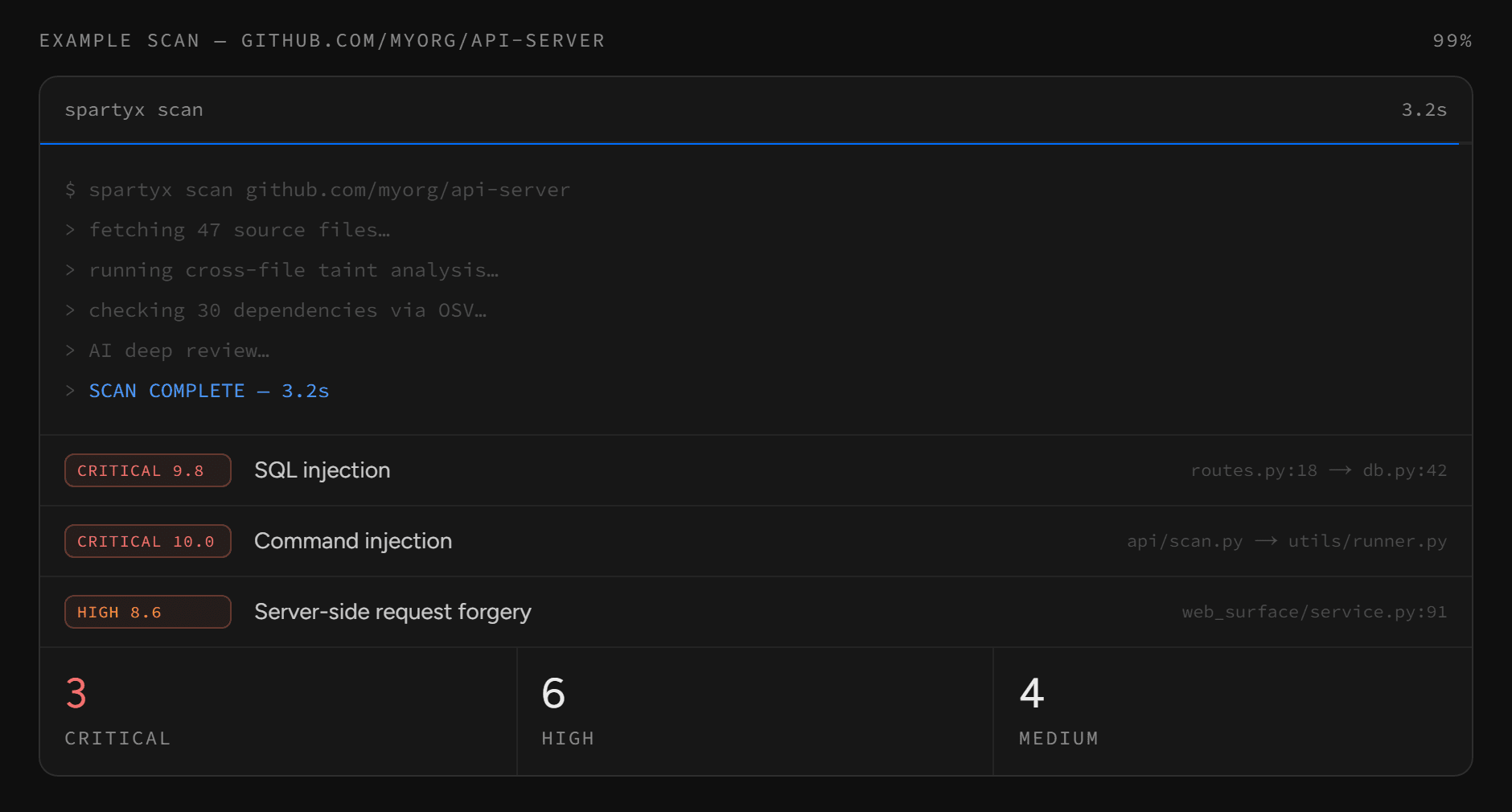
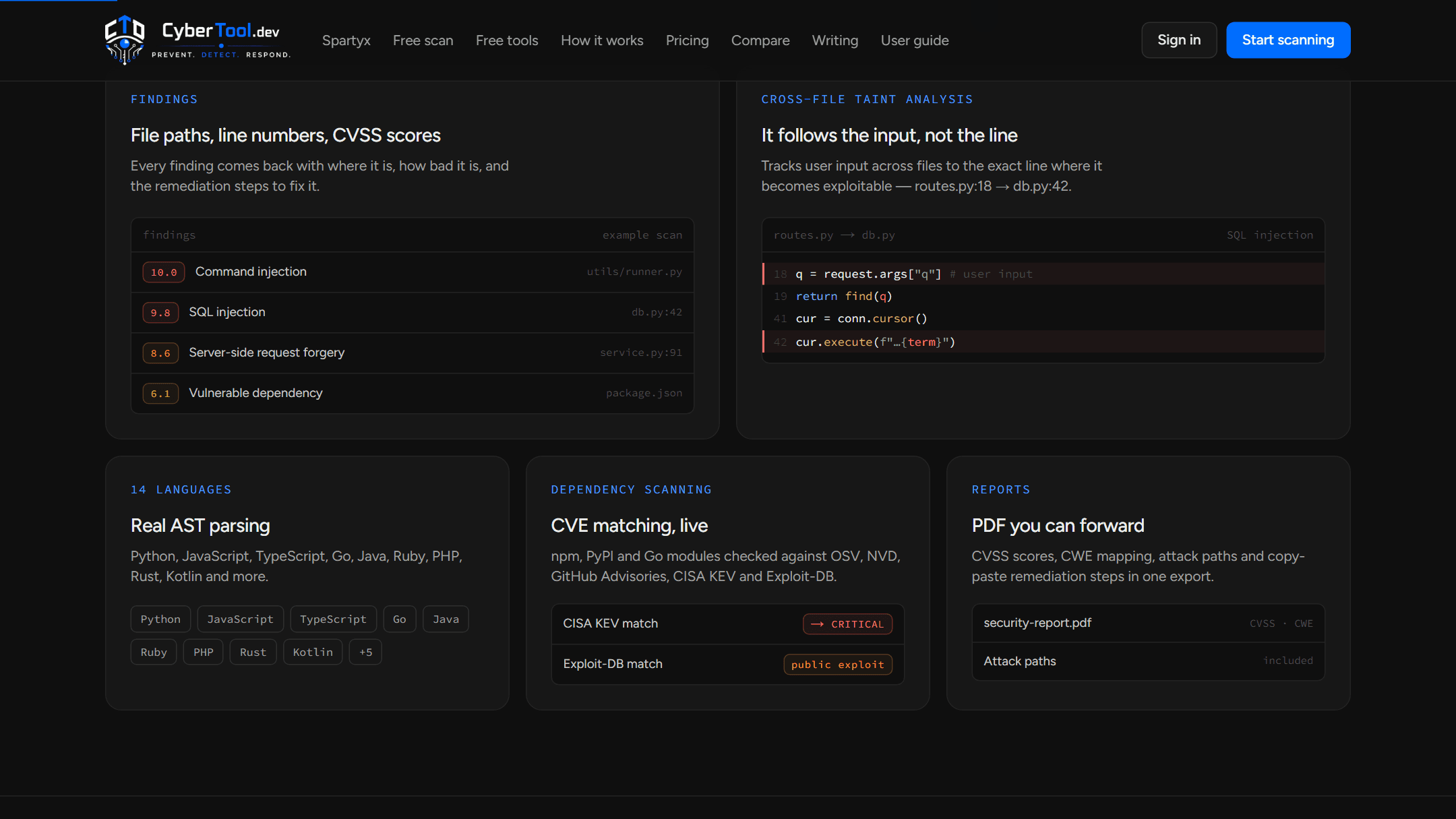
Its scanner, Spartyx, parses code into syntax trees, follows untrusted input across files, and returns each finding with a file path, line number, CVSS score and remediation steps.
- Cross-file taint analysis
- Dependency CVE matching
- CVSS · CWE findings
- PDF · SARIF · SBOM
Repository focusedScan code in the context of the whole project, not isolated snippets.
Actionable findingsEvery finding carries where it is, how serious it is, and how to fix it.
Developer workflowPaste a repository, upload a folder, or check one file in seconds.
Practical securityDeterministic checks first; AI review only when the depth calls for it.
01 / Problem
Security findings are useless if developers cannot act on them.
Code-security tooling becomes hard to use when findings lack context, workflows are fragmented, or important issues are buried in noise.
- Complex security tooling
- Findings without clear context
- Too much noise around real issues
- Security separated from development
- Reports that are difficult to act on
02 / Solution
From repository to actionable report.
CyberTool.dev brings repository input, analysis, findings, and reporting into one focused security workflow.
- Repository-based scanning
- Structured findings
- Severity and CVSS context
- Cross-file code analysis
- Clear report exports
- Developer-focused interface
Workflow
A focused security workflow.
- 01
Target
A GitHub repository, a public URL, an uploaded folder, or a pasted file.
- 02
Depth
Choose Baseline, Intelligence, or Deep Review before the scan starts.
- 03
Scan
Syntax-tree rules, secrets, configuration and dependency checks run together.
- 04
Findings
A prioritised triage list: severity, file, line, evidence and reachability.
- 05
Fix
Remediation steps, with status tracked from open to resolved.
- 06
Report
Export as a PDF report, SARIF, or a CycloneDX SBOM.
03 / Capabilities
Security analysis built around the code.
Cross-file taint analysis
Follows user input across files to the exact line where it becomes exploitable.
Real AST parsing
Source is parsed into syntax trees across 14 languages rather than matched with regular expressions.
Secrets and configuration
Deterministic checks for hardcoded secrets, CORS, dynamic SQL, risky files and configuration.
Dependency intelligence
npm, PyPI and Go modules matched against OSV, NVD, GitHub Advisories, CISA KEV and Exploit-DB.
Reachability and attack chains
Shows whether risky code is reachable from input, and how related findings connect into one path.
AI deep review
An optional Gemini pass for logic flaws; if it is unavailable the scan keeps its deterministic result.
Fix queue
Track findings as open, in progress, resolved or false positive, and propose remediation pull requests.
Reports and exports
PDF reports with CVSS scores and CWE mapping, plus SARIF and CycloneDX SBOM output.
Availability · as stated on cybertool.dev
- AvailableNo accountPublic repository scan
- Private betaFree during betaDashboard scans
- ProComingPrivate repositories and CI
- PlannedRoadmapPort, header, subdomain and TLS tools
Security / Findings
A finding should explain more than what went wrong.
Spartyx returns every finding with the same anatomy, so a developer can judge it, locate it and fix it without leaving the result.
- 01
SeverityCritical, High, Medium or Low, with a CVSS score.
- 02
LocationThe file and the exact line, or the path between files.
- 03
EvidenceThe specific code that triggered the finding.
- 04
ReachabilityConfirmed, guarded, or unproven from user input.
- 05
RemediationWhat to review or change, step by step.
- 06
StatusOpen, in progress, resolved, or false positive.
14const term = req.query.q;15return search(term);31db.run(`… ${term}`);
Illustrative UI content. Not a finding from a real repository.
Review Depth
Professional-grade scanning, without the enterprise price tag.
Each scan runs at the depth it needs. Deeper modes add intelligence on top of the deterministic result rather than replacing it.
- Base
Baseline
Fast, deterministic rules for code, secrets and configuration. No external lookups and no AI.
- + Layer 1
Intelligence
Adds dependency matching against real advisory databases, with CVE IDs and fixed versions.
- + Layer 2
Deep Review
Adds an AI semantic review that explains the attack technique behind each issue.
04 / Architecture
Built as a focused analysis pipeline.
A Next.js web application in front of a FastAPI scanner service. Large repositories run as background jobs, and every engine is additive: one failing never stops the rest of the scan.
Request path
- DeveloperBrowser or CI pipeline01
- Next.js Web AppDashboard · Supabase auth · API proxy02
- FastAPI Scanner APIJWT-verified · rate limited03
- Job Service · WorkerBackground scans for large repositories04
- Spartyx Analysis EngineAST · taint · rules · intelligence05
- Supabase PostgresScans, findings, retention choices06
Engines and outputs
- Repository ImportGitHub App · public URL · upload
- AST EnginesTree-sitter, 14 languages
- Taint and ReachabilityCross-file data flow
- Secrets · IaC · DependenciesDeterministic scanners
- Vulnerability IntelligenceOSV · NVD · GHSA · CISA KEV
- AI Deep ReviewGemini, optional
- ReportsPDF · SARIF · CycloneDX SBOM
- GitHub Code ScanningFindings in the Security tab
Web app served from Vercel; the scanner API and its background worker are deployed on Render.
Scan pipeline
- Ingest
- Baseline
- Intelligence
- Deep ReviewOptional
- Findings
- Report
Deterministic first
Baseline rules run without external lookups or AI.
Additive engines
A missing grammar or a failed Semgrep run disables only that part.
AI with a fallback
If Deep Review is unavailable, the scan returns the deterministic result and says so.
Retention is a choice
Users can opt out of source retention, purge stored source, or delete a scan.
Scope-gated requests
Website checks are SSRF-pinned and active tests need written authorization.
05 / Tech Stack
Technology behind CyberTool.dev.
- Next.jsWeb Application
- TypeScriptFrontend Logic
- FastAPIScanner API
- PythonAnalysis Engine
- Tree-sitterAST Parsing
- SemgrepAdditional Rules
- SupabaseAuth / Postgres
- GeminiDeep Review (optional)
06 / Product Gallery
Inside CyberTool.dev.
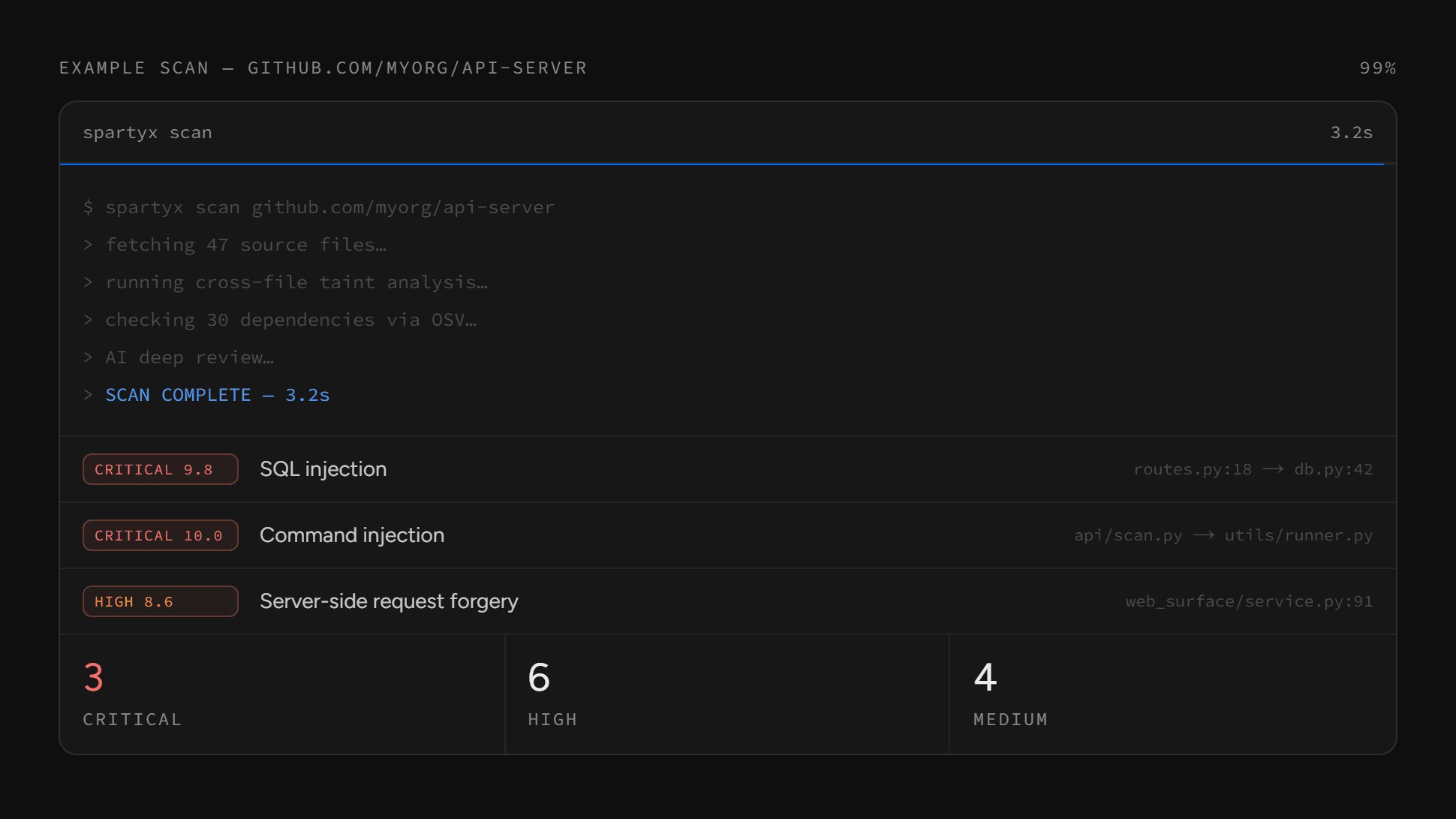
Scan sessionOne example scan, from command to prioritised findings. 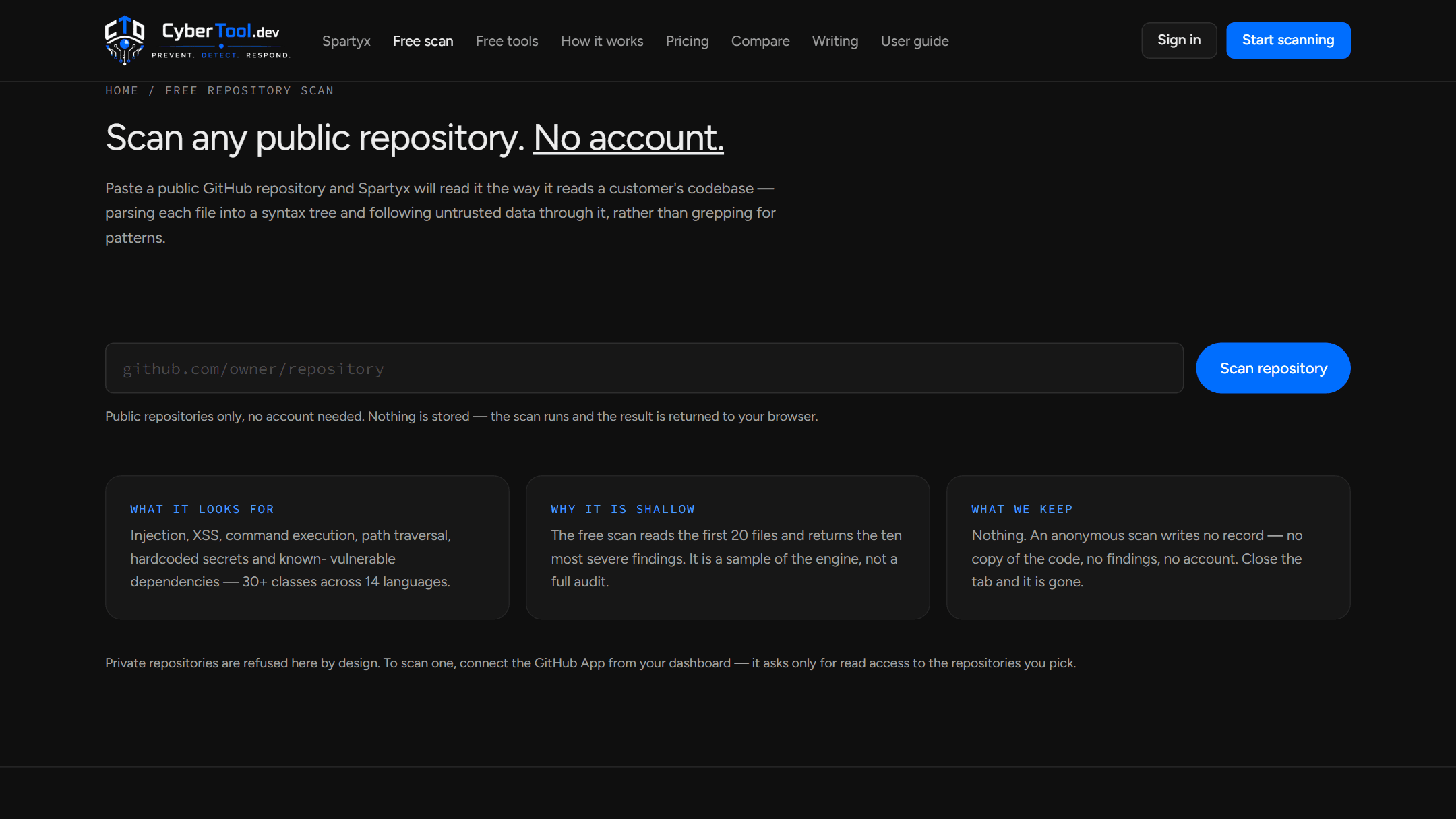
Free repository scanAny public repository, no account, nothing stored. Findings and taintFile paths, line numbers, CVSS scores, and the path between files. 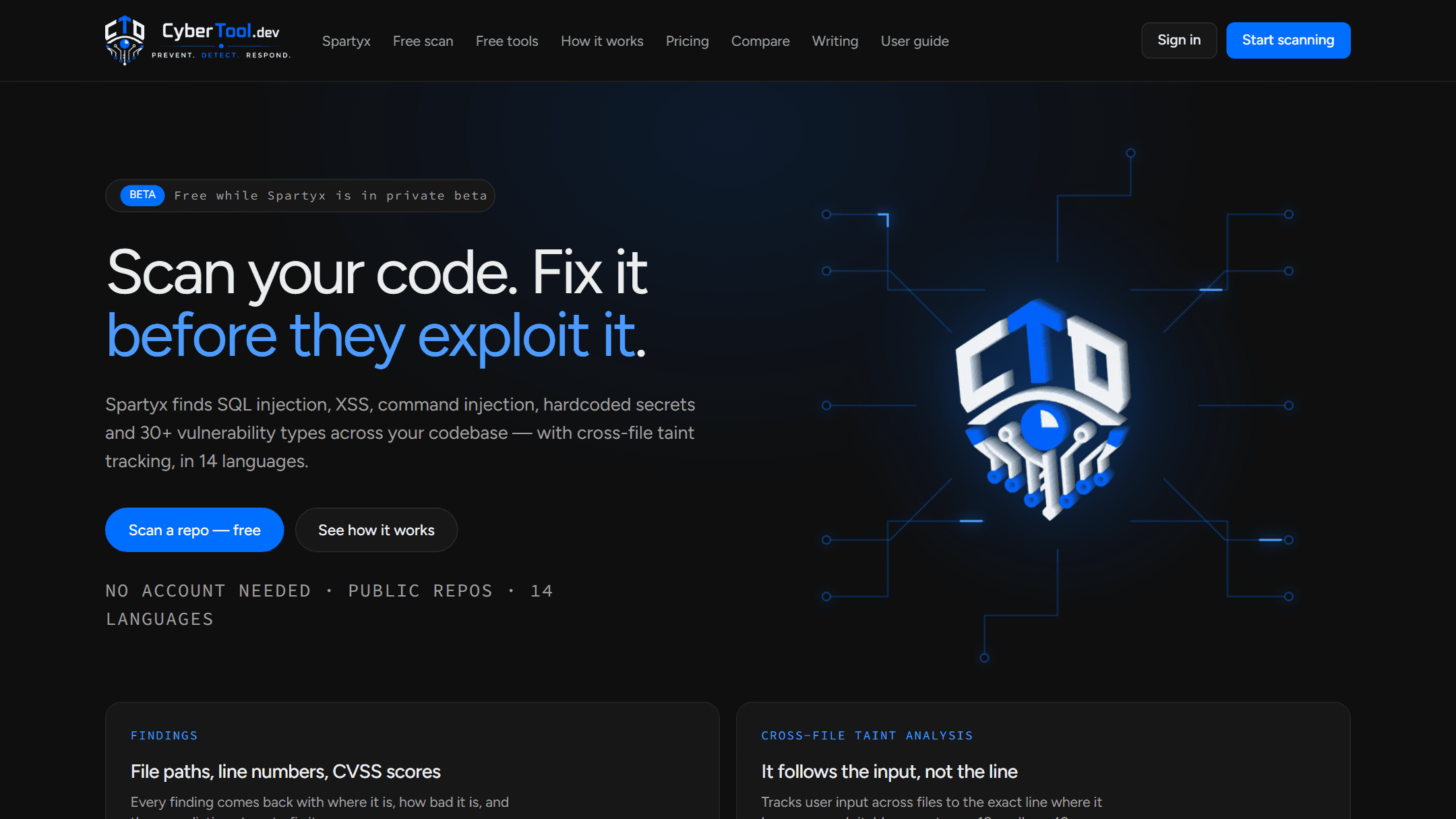
HomeScan your code. Fix it before they exploit it. 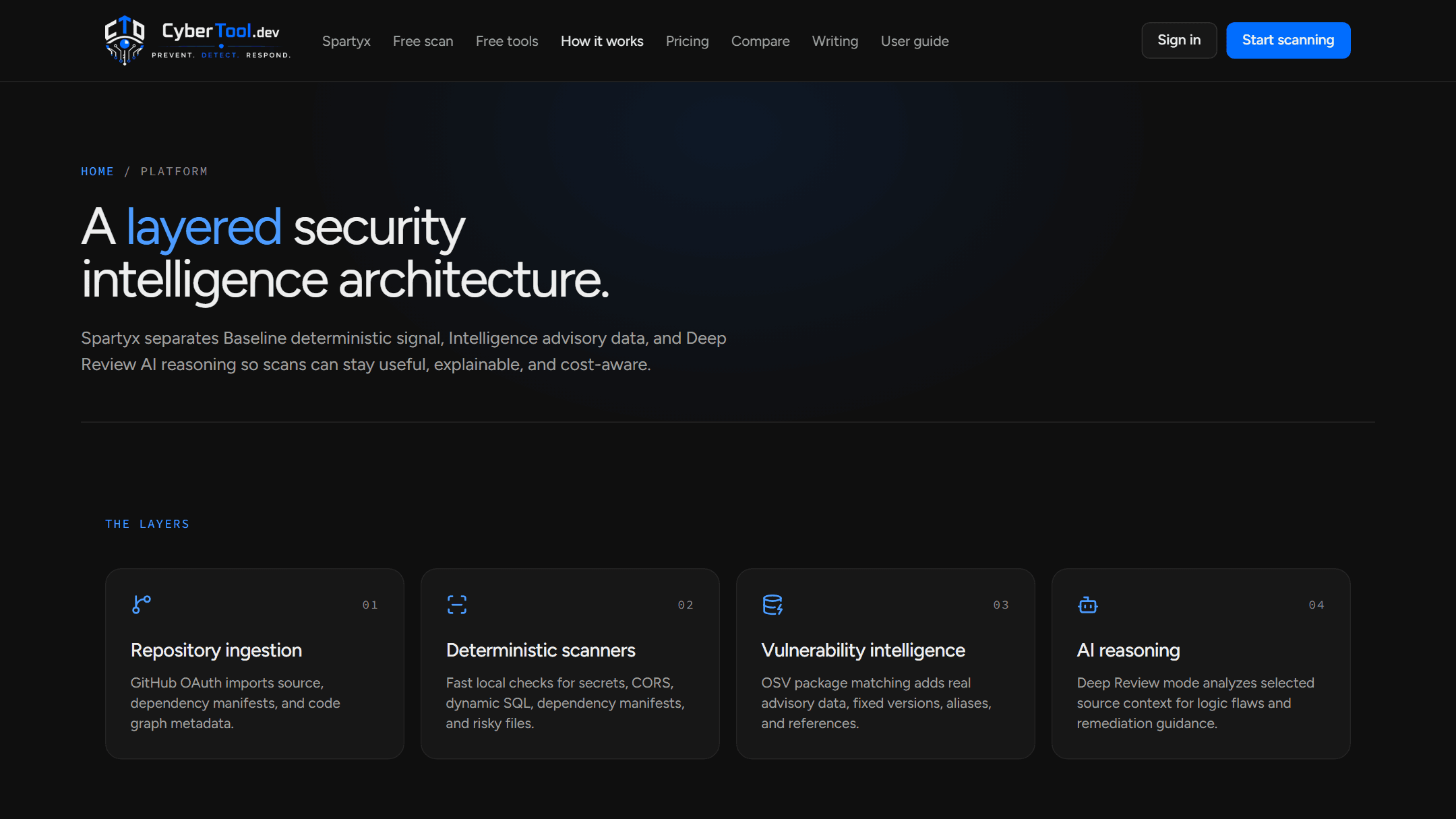
Platform layersIngestion, deterministic scanners, intelligence and AI reasoning.
07 / Engineering Decisions
Security tooling should reduce friction, not create more of it.
- 01
Developer-first output
Findings are more useful when a developer can understand and act on them without extra workflow overhead.
- 02
Focused on code
Keep the product centred on repository security rather than an unfocused collection of unrelated tools.
- 03
Actionable structure
Every finding connects severity, location, evidence, reachability and remediation in one place.
- 04
Deterministic before AI
Rules give a fast, explainable baseline; AI is an optional layer that can fail without breaking the scan.
PACSAL Labs
Security research turned into a practical product.
CyberTool.dev reflects PACSAL's approach to security engineering: build focused tools around real developer workflows, then improve them through practical use and iteration.
- Cyber-Security
- Developer Tooling
- Security Research
- PACSAL Labs
Next
Need security built into your software?
PACSAL designs secure software architectures, developer security tooling, and practical cyber-security systems.